HMRC Self Assessment Deadlines: Never Pay a Late Fine Again
Every year, hundreds of thousands of UK taxpayers pay a completely avoidable £100 fine — not because they couldn't pay their tax, but simply because they missed the filing deadline. HMRC's penalty system is automatic and unforgiving: file one day late, and the fine is issued regardless of whether you owe any tax at all.
In this guide we cover every key HMRC Self Assessment date, what happens if you miss them, and how to set up automatic reminders on your iPhone so you never face a late penalty again.
The Key HMRC Self Assessment Deadlines
Self Assessment has several deadlines spread throughout the year. Miss any one of them and the fines begin.
| Deadline | Date | What it covers |
|---|---|---|
| Register for Self Assessment | 5 October | If this is your first year, you must register by 5 October after the tax year ends |
| Paper tax return filing | 31 October | Deadline to file your paper return for the previous tax year |
| Online tax return filing | 31 January | Deadline to file your online Self Assessment return — the most important date |
| Pay your tax bill | 31 January | Any tax owed from the previous year must be paid by this date |
| First payment on account | 31 January | 50% advance payment towards next year's tax bill (if applicable) |
| Second payment on account | 31 July | Remaining 50% advance payment towards next year's tax bill |
Important: The 31 January deadline is a double deadline — you must both file your return and pay any tax owed on the same day. It is the single most common HMRC fine trigger in the UK.
What Are the Penalties for Missing HMRC Deadlines?
HMRC's penalty system escalates the longer you leave it:
- 1 day late: Automatic £100 penalty — even if you owe no tax
- 3 months late: £10 per day, up to a maximum of £900
- 6 months late: A further penalty of 5% of the tax owed, or £300, whichever is greater
- 12 months late: Another 5% penalty or £300 (with higher rates if HMRC suspects deliberate delay)
- Late payment interest: Interest charged on any unpaid tax from the day after the deadline
The unfair reality is that many of these fines are issued to people who have already paid everything they owe — they simply forgot to submit the actual return on time. A reminder set well in advance makes this entirely avoidable.
Who Needs to File a Self Assessment Return?
You must file a Self Assessment return if any of the following applied in the last tax year:
- You were self-employed (sole trader or freelancer) and earned more than £1,000
- You earned more than £100,000 from employment
- You received income from renting out property
- You had untaxed income (savings interest, dividends, foreign income)
- You or your partner received Child Benefit and either of you earned over £60,000
- You had capital gains above the annual exempt amount
- HMRC sent you a notice to file a return
If you're unsure whether you need to file, HMRC's online checker at gov.uk can confirm it in a few minutes. When in doubt, it's safer to file than to miss a deadline and receive an unexpected fine.
How to Set HMRC Deadline Reminders on Your iPhone
The best approach is to set reminders well ahead of each deadline — not on the day itself. A week's notice for filing, and 3–5 days' notice for payment, gives you enough time to act without last-minute stress.
With SnapReminder there are two ways to do it:
Option 1: Scan your HMRC letter
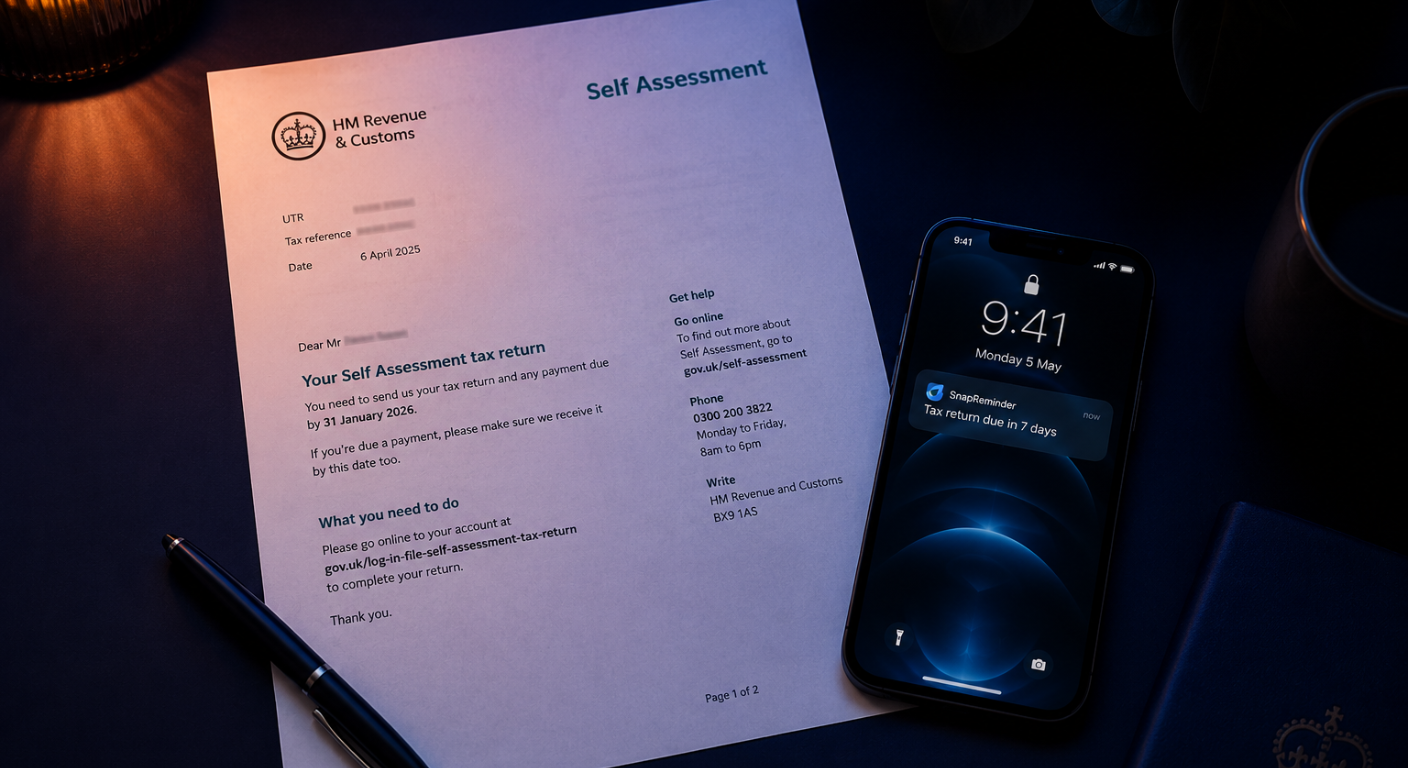
When HMRC sends you a notice to file, scan it with SnapReminder. The AI reads the tax reference, deadline date and any amount due, then creates the reminder automatically. No manual data entry needed.
Option 2: Set it by voice
Already know your deadline? Just say it:
Try saying: "Remind me to file my Self Assessment return on 24th January" or "Remind me to pay my HMRC bill one week before 31st January."
Set your filing reminder — mid January
Set a reminder for around 20–24 January — enough time to log in to HMRC online, check your figures and submit without rushing. The service is often slow in the final days of January due to high traffic.
Set your payment reminder — 3–5 days before 31 January
Set a separate reminder for 26–28 January to make sure your payment clears in time. Bank transfers can take 1–3 working days, so don't leave payment until the 31st itself.
Set a July reminder for payments on account
If you make payments on account, set a reminder for late July. This deadline is far enough from the January rush that it's easy to forget entirely.
Set an October reminder if you're newly self-employed
If this is your first year of self-employment, set a reminder for late September to register with HMRC before the 5 October deadline. Miss this and you may be fined before you've even filed a return.
Tips to Make Self Assessment Less Stressful
Beyond reminders, a few habits make Self Assessment significantly easier to deal with:
- Keep a dedicated folder for receipts and invoices — scan anything tax-related as it arrives so you're not hunting for documents in January
- Check your tax code each year — an incorrect tax code can result in underpayment that shows up unexpectedly on your Self Assessment
- File early if you can — the return window opens on 6 April. Filing in summer means less stress, and if you're owed a refund, you get it sooner
- Save for your tax bill as you go — if you're self-employed, putting aside 20–30% of each payment you receive means no nasty surprises in January
- Use HMRC's Budget Payment Plan — lets you spread your tax payments across the year rather than paying a lump sum in January
Other Financial Deadlines Worth Tracking
While you're setting HMRC reminders, it's worth covering the other financial deadlines that affect UK households. SnapReminder can handle all of them from a single app:
- Council Tax — monthly instalments, April to January
- VAT returns — quarterly, if you're VAT registered
- Pension annual allowance — 5 April end of tax year deadline
- ISA contribution deadline — 5 April each year
- Car insurance and MOT renewals
- TV Licence renewal
Set every HMRC deadline now.
Scan your HMRC letter or say the date aloud — SnapReminder handles the rest. Free on iPhone.
Download free on the App Store