
MOT Reminder App for iPhone: Never Drive with an Expired MOT
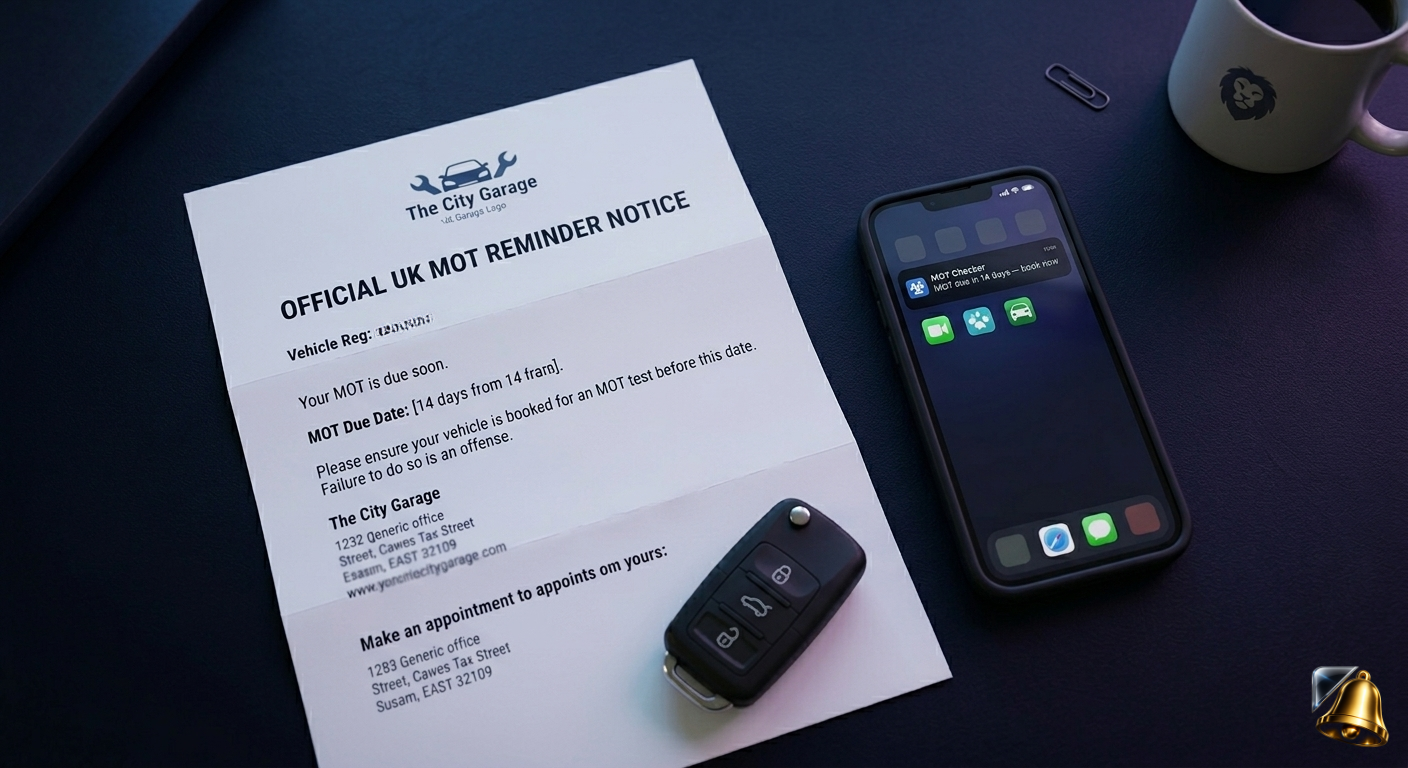
Your MOT expiry date is easy to forget — it only comes around once a year, and there's no automatic payment to trigger a memory. One day you're fine, the next you're technically driving illegally without even realising it. In the UK, that means an instant fine, points on your licence, and insurance that won't pay out if something goes wrong.
This guide explains exactly what the consequences are, how to check your current MOT status, and how to set a permanent MOT reminder on your iPhone so you never let it lapse again.
What Happens If You Drive with an Expired MOT?
Driving without a valid MOT is a criminal offence in the UK. Your vehicle insurance is also voided the moment your MOT expires — meaning any accident, no matter how minor, could leave you personally liable for all costs.
The penalties for driving without a valid MOT are serious:
- Fixed penalty notice: Up to £1,000 fine
- Voided insurance: Any claim during the period of expired MOT can be rejected
- Vehicle seizure: Police can seize and impound your car
- Points on your licence: In serious cases, driving without insurance (caused by the void) can lead to 6–8 penalty points
The real risk isn't the fine — it's the voided insurance. If you're involved in an accident while your MOT has lapsed, your insurer can legally refuse to pay out. That means you'd be personally responsible for repair costs, third-party claims, and any injury compensation.
How to Check Your MOT Expiry Date Right Now
The quickest way is through the DVLA's free vehicle enquiry service at gov.uk. You just need your registration plate. It shows your current MOT status, expiry date, and tax status in seconds — no login required.
Once you have the date, set a reminder immediately so you don't have to check again:
Voice shortcut: Open SnapReminder, hold the mic and say "Remind me to book my MOT two weeks before [your expiry date]." Done in under 5 seconds.
How to Set an MOT Reminder on iPhone with SnapReminder
There are two ways — scan the garage reminder letter, or just say the date aloud:
Scan your MOT reminder letter
When your garage sends a service or MOT reminder letter, open SnapReminder and scan it. The AI reads the date and vehicle details automatically and sets the reminder — no typing needed.
Set your lead time — book early
Set the reminder 3–4 weeks before your expiry date, not the week before. MOT test slots at popular garages fill up fast, especially in spring. Booking early also gives you time to fix any advisory items before the test.
Add a second reminder — 3 days before expiry
Set a safety-net reminder 3 days before the actual expiry date. If you haven't booked by then, this is your last warning before it lapses.
After the test — scan the new certificate
Once your car passes, scan the new MOT certificate. SnapReminder updates the reminder date automatically for next year. Your MOT reminders are now set permanently — every year handled in 30 seconds.
MOT vs Service: What's the Difference?
It's worth being clear on this because the two are often confused:
- MOT: A legal annual roadworthiness test required by law for vehicles over 3 years old. Checks safety and emissions. Failure means the car cannot legally be driven on public roads until it passes a retest.
- Service: Maintenance work — oil change, filters, brake pads, etc. Not legally required, but skipping it can lead to MOT failures and more expensive repairs over time.
Your MOT and service schedules are often different. Many garages send separate reminders for each. Scan both letters into SnapReminder and you'll have reminders for everything in one place.
Tips to Pass Your MOT First Time
Booking early gives you time to address common failure points before the test:
- Check all lights — walk around the car and test headlights, indicators, brake lights and reverse lights. A single blown bulb is a fail.
- Check tyre tread depth — the legal minimum is 1.6mm. Use the 20p test: if the outer band of the coin is visible when inserted into the tread, tyres are too worn.
- Top up washer fluid — the tester will check windscreen washers work correctly.
- Check wiper blades — streaking or smearing is a fail.
- Ensure your registration plate is clean and legible — a dirty or damaged plate is a failure reason.
- Check the horn works — it's tested as part of the standard MOT.
These checks take about 10 minutes and can save you the cost of a retest (typically £30–50) and the inconvenience of returning to the garage.
Other Car-Related Deadlines Worth Tracking
While you're setting up your MOT reminder, SnapReminder can handle the other car-related deadlines that tend to sneak up:
- Vehicle tax (road tax) — renews monthly or annually, reminders are sent by DVLA but easy to miss
- Car insurance renewal — insurers often auto-renew at a significantly higher price if you don't shop around before the deadline
- Breakdown cover renewal — AA, RAC, Green Flag all send letters that are easy to ignore until you need them
- Lease or finance agreement end date — giving you time to arrange the next vehicle without a gap
Set your MOT reminder now — takes 10 seconds.
Scan your garage letter or say the date aloud. SnapReminder reminds you automatically, every year. Free on iPhone.
Download free on the App Store