
Set Reminders Just by Speaking — the Voice Reminder App for iPhone
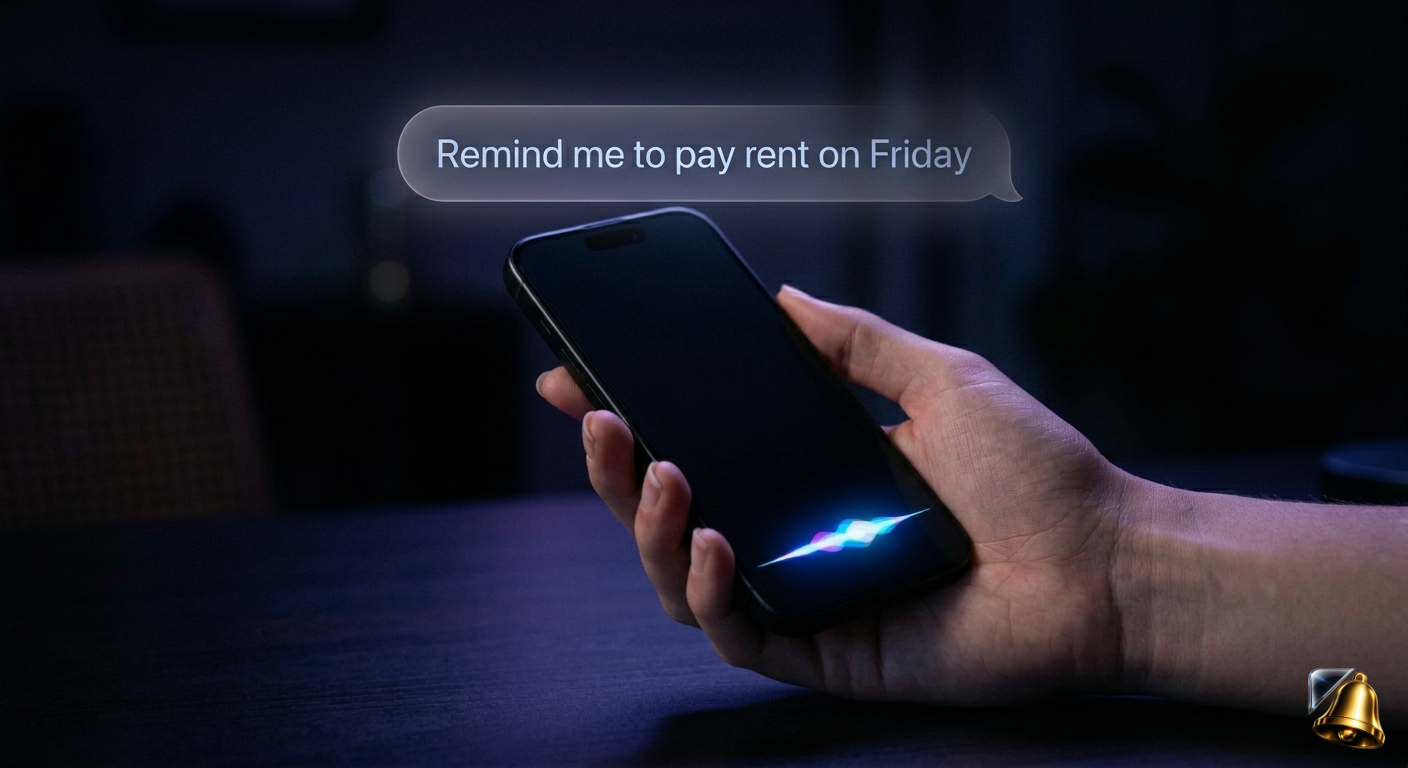
The fastest way to set a reminder isn't to open an app, tap through menus and type a title. It's to speak. A genuinely good voice reminder app on iPhone understands natural language — the way you'd actually say something out loud — and converts it into a properly scheduled notification in seconds.
In this guide we look at what separates a real AI voice reminder app from basic voice-to-text input, what you can actually say, and why it's particularly useful for the kind of UK household bills and deadlines that keep piling up.
What Makes a Voice Reminder App Different from Siri?
Siri can set reminders, but it has significant limitations that make it frustrating for anything beyond the simplest use cases:
- Siri requires a specific command format — it doesn't understand loosely phrased requests well
- It doesn't understand context about what the reminder is for, only the date and time
- It can't answer follow-up questions like "what bills do I have due this week?"
- It doesn't connect to a dedicated reminder history or let you manage past reminders by voice
A dedicated AI voice reminder app like SnapReminder understands natural, conversational language — and crucially, understands the context of what you're saying. You don't need to phrase things in a specific way. Just say it how you'd say it to another person.
What You Can Actually Say
Here are real examples of commands that work in SnapReminder's voice assistant:
Voice vs Typing vs Scanning: When to Use Each
SnapReminder combines three ways to add reminders. Each is fastest in a different situation:
| Situation | Best method | Why |
|---|---|---|
| You just remembered a deadline while doing something else | Voice | Hands-free, 3 seconds, no context switching |
| A letter just arrived with a date on it | Scan | AI reads the exact date — no chance of misremembering it |
| You know exactly what you want and it's precise | Type | Fast when you're already in the app and the detail is complex |
| You want to check what's coming up | Voice | Ask "what's due this week?" instead of opening a list |
| Email or PDF confirmation arrived | Scan | Point at the screen or take a screenshot — AI reads it |
Why Voice Reminders Work Better for Bills and Deadlines
Most voice reminder apps are designed for short, one-off tasks. The problem with bills and household deadlines is that they're recurring, often complex, and the consequences of forgetting are real — late fees, voided insurance, missed appointments.
A voice reminder app that understands context is significantly more useful for this use case:
You can set far-future reminders naturally
Saying "remind me about my passport renewal in September" is far easier than opening a calendar, navigating to September, creating an event and setting an alert. Voice input removes every step except the intent.
You can ask questions as well as set reminders
A good AI assistant doesn't just accept input — it responds. Ask "have I set a reminder for my HMRC deadline?" and it tells you. Ask "what bills do I have this month?" and it gives you the list. This turns a reminder app into an actual assistant for your household finances.
It works in the moment, wherever you are
You open a bill, think "I need to sort this" — and you can set the reminder without putting the letter down. The reminder is created before you forget the intention. That's the real value: capturing the thought at the exact moment you have it.
How to Set Up Voice Reminders in SnapReminder
Download SnapReminder — free on iPhone
Available on the App Store for any iPhone running iOS 16 or later. The voice assistant is included in the free plan (20 voice actions per month) and unlimited on Pro.
Open the voice assistant
Tap the mic button on the home screen. Hold it while speaking — you don't need to say a wake word or phrase your request in any particular way.
Speak naturally
Say exactly what you'd say to another person. The AI handles date parsing, relative time references ("next Thursday", "in two weeks", "before the end of the month") and understands what the reminder is for.
Confirm and done
SnapReminder shows you what it understood and asks you to confirm. If anything looks wrong, you can correct it before saving. Otherwise tap confirm and the reminder is set.
Pro tip: The voice assistant can also search your reminders. Try asking "Did I set a reminder for my water bill?" or "When is my next HMRC deadline?" — it answers instantly rather than making you scroll through a list.
The Most Useful Voice Commands for UK Households
Here are the voice commands that SnapReminder users reach for most often:
- "Remind me to pay council tax on [date]"
- "Set a reminder for my car insurance renewal in [month]"
- "Remind me about my MOT two weeks before [date]"
- "Add a reminder for HMRC self assessment on 24th January"
- "Remind me to book a dentist appointment" — without a date, it asks you when
- "What reminders do I have this week?"
- "Delete my TV licence reminder"
- "Move my British Gas reminder to next Friday"
No typing. Just say it.
SnapReminder's AI voice assistant understands natural language and sets your reminders instantly. Free on iPhone.
Download free on the App Store